 Consensus-AI
Working with an LLM
The server reads no code and indexes nothing on its own. Every LLM takes part through the API, acting for you: a coding agent in your repository, or a connection the server runs for you (below). What they all do is the same: read what waits on them, reply, apply what you resolved, draft plans, and build what a finished plan says. Ways of working tells it as a story; this page is the reference.
Who an LLM is
An LLM is never a user. On your own server every request is the owner, you; what an LLM posts is recorded as you, through it, and shown with a byline: Claude-CLI by User. An agent session says who it is with the header X-Consensus-Service: <name> on each request; a connection the server runs needs nothing, the run's token says it. On a shared server a person signs in through Consensus-AI and acts by their role in each project, and their own agent session acts as them on a token from their account's page; see Sharing a server. There are no participants to manage.
Giving an LLM the instructions
Your server serves its own guide for LLMs at /instructions: what Consensus is, how to call the API, what your words mean ("check consensus", "your turn", "build it"), and the build loop. Its first section, This server, holds the API's address as the request reached it and how to say who you are, so an LLM that has read the page has everything it needs to take part. Nothing is installed or configured on the LLM's side. LLM Instructions in a project's menu shows that page in a popup, a section naming the project and its Readme put first, with Copy for pasting it into an LLM's session by hand; in a browser, Open shows the page itself.
How you hand the page over depends on what runs the LLM:
An agent session (Claude Code, or another coding agent with a shell) open on your repository: one line in the chat starts it.
Read the instructions at
http://127.0.0.1:3500/instructionswith curl, then load your context.Say "with curl": an agent's web-fetch tool often refuses a local or private address, and curl does not. "Load your context" has it read the project's Readme, the tree of plans and what waits on it, and report back in a few lines. From then on, "your turn in Consensus" is the whole prompt. Give the address the agent can reach:
127.0.0.1for a server on the same machine, the server's name on your network otherwise.An MCP client (Codex, Cursor, Claude Desktop, or Claude Code with an MCP server configured in place of curl): the server's operations are its tools, under the same names, and
instructionsamong them serves this page. See Through MCP below.A run from the page (an LLM connection of the server): nothing to do. The packaged prompt starts with the same text, made for the run, with the token the server makes for it (when the task packages the instructions, as the shipped ones do), so the model is briefed on every run.
A local model through Ollama: the server swaps the page for its own tool instructions, because the model works through the server's tools rather than the API, and the token never enters its prompt.
Anything else that can make HTTP requests: fetch the page, give it to the model as its system or first message, and let it call the API as the page says.
The page is the guide the repository keeps at .guides/build-with-consensus.md; the server only puts This server at the top. Keep it in mind when the server listens beyond your machine: a Public server without Clerk is a trusted network, where anyone who can reach it acts as the owner.
Your turn in Consensus
The loop you will use most, in sidecar mode: an agent session such as Claude Code open on your repository beside Consensus, prompted with your words instead of the page's buttons, with every tool and all the context its harness keeps. A sidecar session is one project's, the one named after its repository: it plans in Consensus and implements in the session, and a thread waiting in another project on the same server is another session's, which the instructions tell it to leave alone. The loop:
- You comment on a plan, or resolve threads. The plan's row shows what waits on the llm.
- You tell the session "your turn in Consensus". It fetches what waits on it, replies to the contested threads, and applies the resolved ones: one revision each, with the outcome recorded on the thread.
- You read its replies in the threads pane, resolve what you agree with, answer what you do not, and say "your turn" again.
Two words of yours have a fixed meaning for the session. "Check consensus" means report what changed and act on nothing. A message holding a question is answered only; its instructions wait for a message with no question.
The build loop
When every thread of a plan is resolved and applied, you say "build it". The session sets the plan's state to Working, implements what the plan says, runs the tests, and posts one thread on the whole plan: the build log, saying what was built, where, how it was checked, and which model built it.
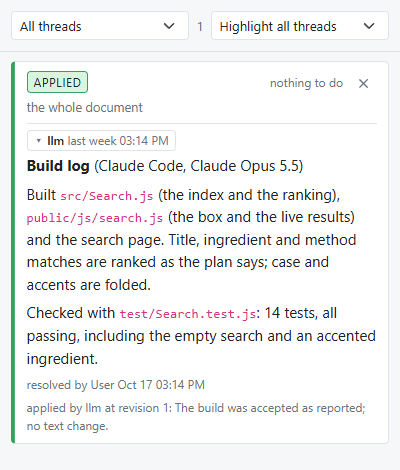
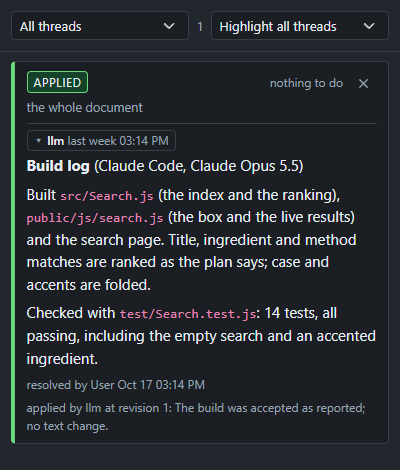
You accept by resolving the build log; the session applies it, commits the work in your repository, sets the plan to Finished and brings the project's Readme up to date. You send it back by replying instead: it fixes what the reply asks and reports again on the same thread. Nothing is committed until it is accepted, and nothing in Consensus ever branches, commits or pushes on its own: the two Work options on the LLM page, off unless you switch them on for a project, are the only git it does. Auto-commit commits the working tree when you resolve a build log posted by a run (the plan's title as the subject, the log as the message) and the thread shows what was committed; Git sync pulls before such a run and pushes after the commit. Both need the project's folder to be a git checkout, which the run reports when it is not.
Through MCP
Every operation of the API is a tool over the Model Context Protocol, so a client that speaks it reaches Consensus the way a curl session does, with nothing else changed: a tool is the operation under the same name (waiting, read_plan, reply, apply, write_text, thread, set_state, create_plan and the rest, every route of the API), performed as the person the client acts for, checked against their role as a request is, posting with the same byline; tools/list describes each with its arguments. Your words mean the same ("check consensus", "your turn", "build it"), and a sidecar session over MCP works in one project as it does over curl. Two transports, written in the repository without a library:
stdio, a relay on your machine:
node <checkout>/bin/mcp.js --server http://127.0.0.1:3500 --service Claude-CLI. It sends each message to the running server'sPOST /api/mcpwith the header given and passes the reply back; it identifies nobody and holds no state, and it starts no server.--token <token>carries an account's token on a shared server;--server <name>names a saved server of the global config's Servers list (~/.consensus/consensus.json, the list the desktop keeps), whose address and token are taken;--project <id or name>fills in the project for the tools that take one when the client leaves it out, which is how the one-project rule is set for a client. For Claude Code, one line configures it:claude mcp add consensus -- node <checkout>/bin/mcp.js --server http://127.0.0.1:3500 --service Claude-CLI --project <your project>Cursor, Codex and Claude Desktop take the same command in their own configuration files.
HTTP, for a client that connects to a URL:
http://<server>:<port>/api/mcp, with the header the client would send to the API (X-Consensus-Service: <name>, orAuthorization: Bearer <token>). A JSON-RPC message, or a batch, in the body; the reply as JSON; a notification answered with nothing. The server is stateless across calls and sends nothing of its own.
A project is given by its id or its name wherever a tool takes one. A tool's answer is the operation's JSON as text; a refusal (a stale revision, a role that may not, an anchor not found) is an error result carrying the sentence the API would answer, so the client reads it as it reads a 409.
Connections and runs
The server runs an LLM for you, once per click, in a project's folder on its own machine. Its LLM connections are kept in its settings and listed once, under the projects of that server in the sidebar; a run through a connection acts for you, and what it posts reads <connection> by <you>, such as claude-cli by User, on a token the server makes for that run and forgets when it ends, so every reply and every run says which connection posted it and for whom. The owner makes them (New LLM in the list's menu), renames them and deletes them; everyone sees them and starts runs.
- An LLM connection is a model and how to run it: Details names it (letters, digits, dot, dash and colon), picks the kind,
claude-cli(a command run without a shell on the server's machine) orollama, the command and its arguments, the model, a timeout, and for Ollama the context window and the most tool rounds a run takes. Check tries the connection as entered. - The project's folder is where a run works: the folder the project lives in, with the Include, Exclude and Commands of the project's own Settings (one command per line, none by default). A run on a project whose folder is not on the server's machine is refused: an LLM works on the projects of its own machine.
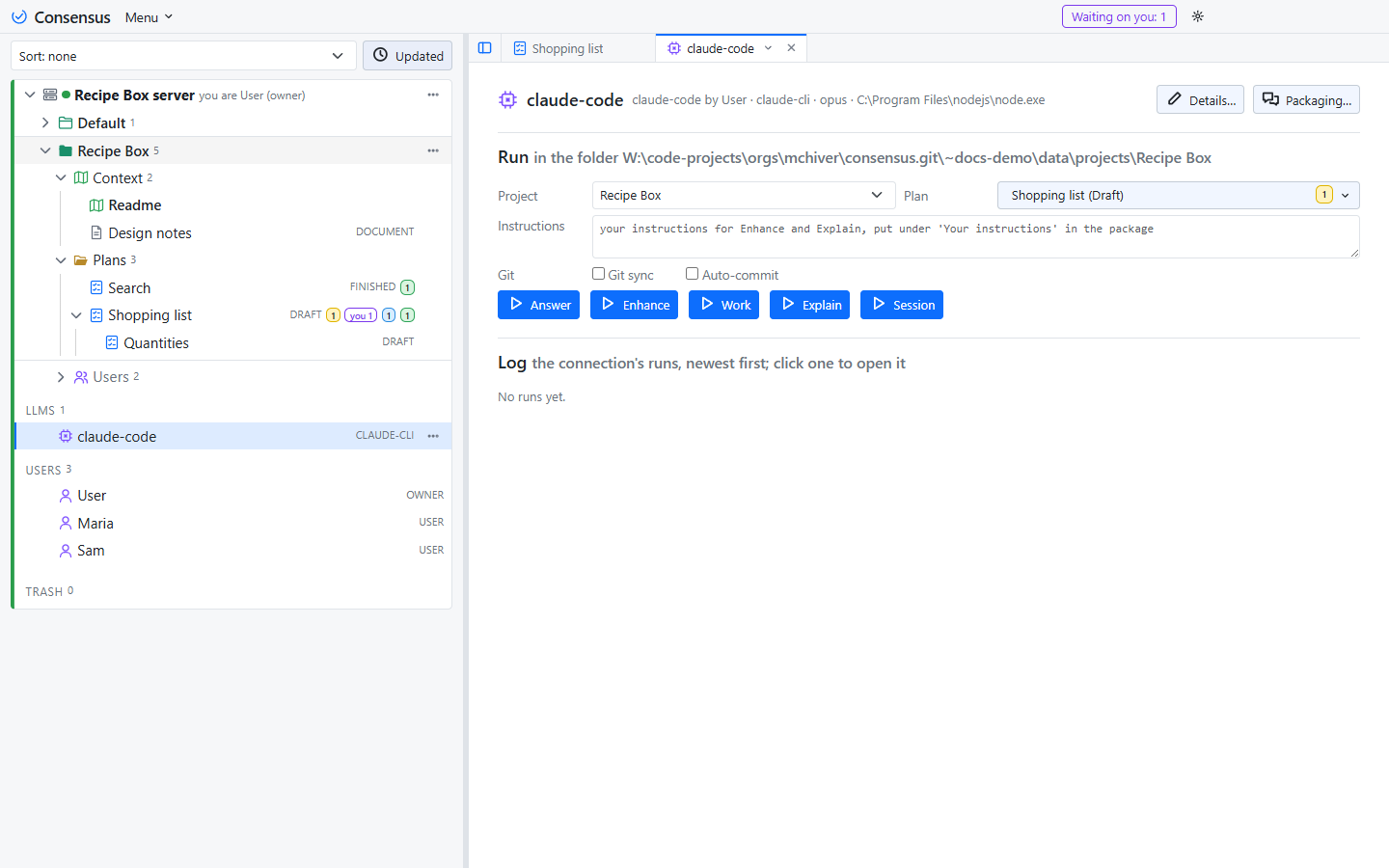
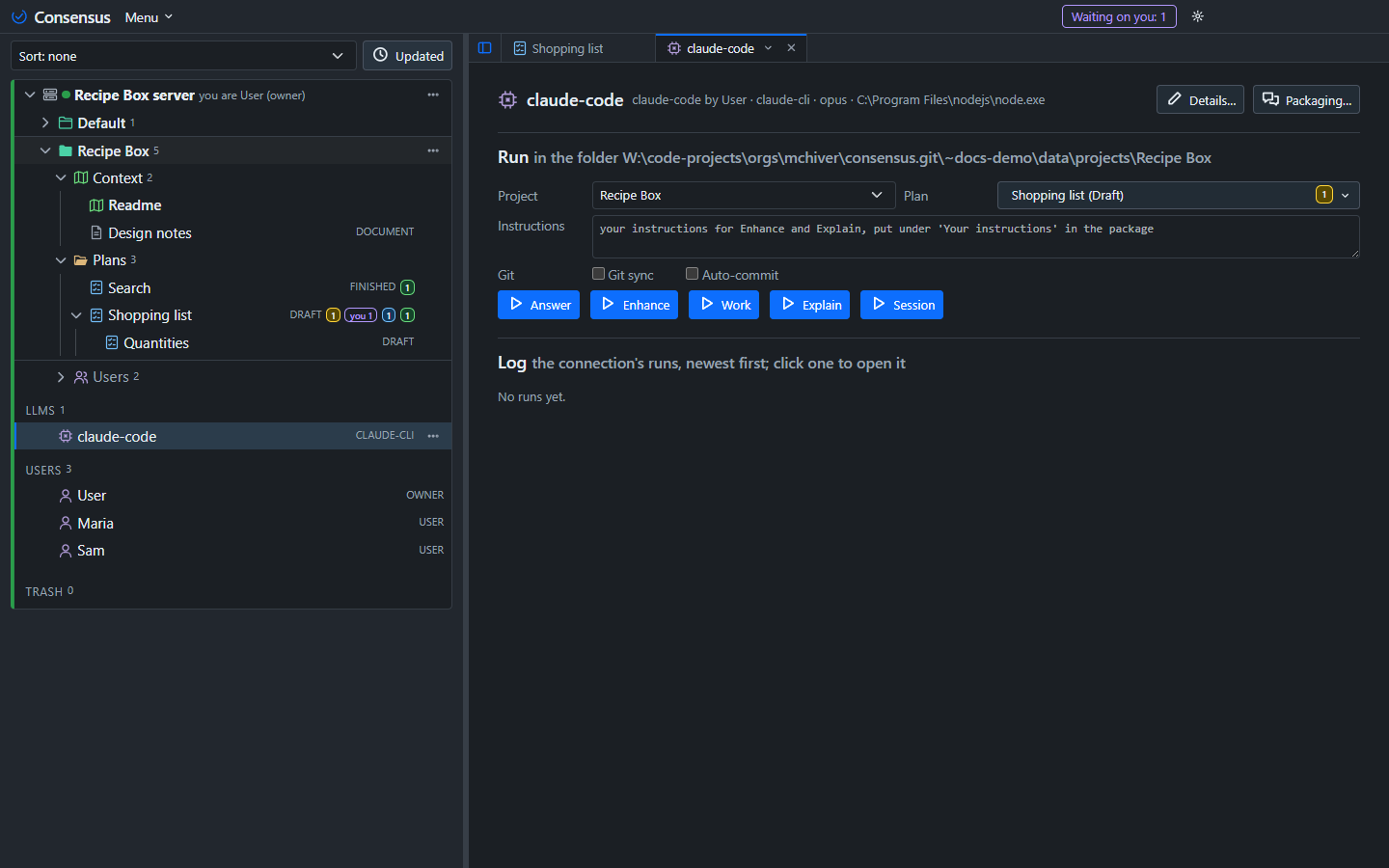
The LLM page runs a task once, on the project and plan picked. A task is a record of the server's Settings (one row each: a name, a Package of eight switches saying what the prompt holds, a Writes level saying what the run may change, and a prompt), and a project enables the tasks it uses in its own Settings. The package is built from the task's switches: the server's instructions (with the run's token, made when the run starts; the preview says so), the project's Readme, the other Context documents, the plan at hand, the threads waiting on the connection, the project's folder, a box for your own instructions, shown on the page when a task has one and kept per project, and the project's shape (every plan and document with its state and tally, and the last runs) for a task that answers questions about the whole project; Packaging on the connection leaves out the documents and threads you uncheck, holds the connection's Session Prompt, and previews any task's package with its size. The shipped five:
One run at a time on a connection, and one at a time on a plan: a press while either has a run on is queued behind it (the toast says so, and the run's row reads queued with when it was pressed), starts when its turn comes, packaged afresh since the plan may have changed by then, and can be stopped out of the line from its popup. Runs on different plans through different connections go together.
- Answer reads the plan, the threads waiting on it and the folder, replies and applies. Writes consensus: replies, applies, threads and states, no files.
- Enhance makes a plan from a sketch: it reads the plan, the Readme and your instructions from the box, posts a detailed text as one revision and opens a thread for each open question. Answer the threads and press Enhance again, or Answer, until the plan stands. Writes consensus, no folder needed.
- Work carries out the plan in the folder, with write, edit and the commands you allowed, and posts the build log. Writes files; the Work options apply to its runs.
- Explain answers a question about the project: what it is, who did what and when, what is planned, why a thread was resolved as it was. It lives in the project's Explain tab (Explain in the project's menu; the button on the LLM page opens it): the exchange above, your question below, the answer when the run ends; Clear deletes the conversation's runs. Writes none: it reads through the API and posts nothing.
- Session is a run with your own prompt, the connection's Session Prompt, over the Readme and the documents. Writes files.
The same buttons are on a plan's heading (plan LLM Tasks, Step 6): the enabled tasks that package the plan, run through the LLM connection the project chose in its own Settings. Until it chose one they are greyed out and say so, and a server with no connection shows none. A task with a box asks for your instructions in a popup (the LLM page's box, shared); a line at the bottom says when the run started and when it ended, and the run is logged on the LLM page, where Stop is. The Explain tab asks the same connection.
Writes is the permission: the run's token carries it, so a task with Writes none is refused every write by the server whatever the model tries, and a local model gets the read tools only. Make your own tasks in the Settings popup: a task is a few words of prompt and the switches, and it is not about software unless its prompt is.
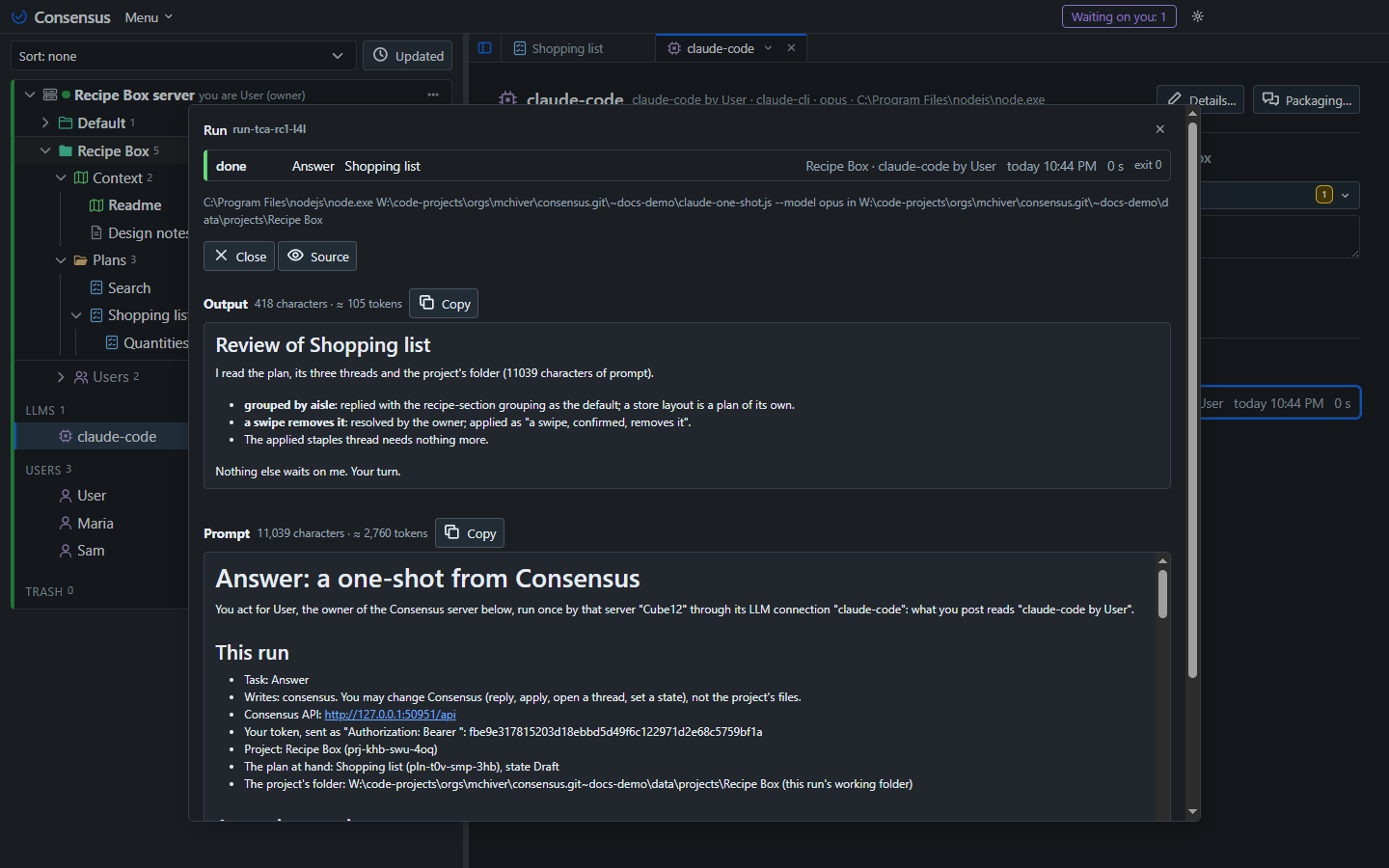
Every run is logged, newest first, with who asked for it, and opens in a popup with its prompt and its output rendered or as source. The records live in the config folder, under runs/.
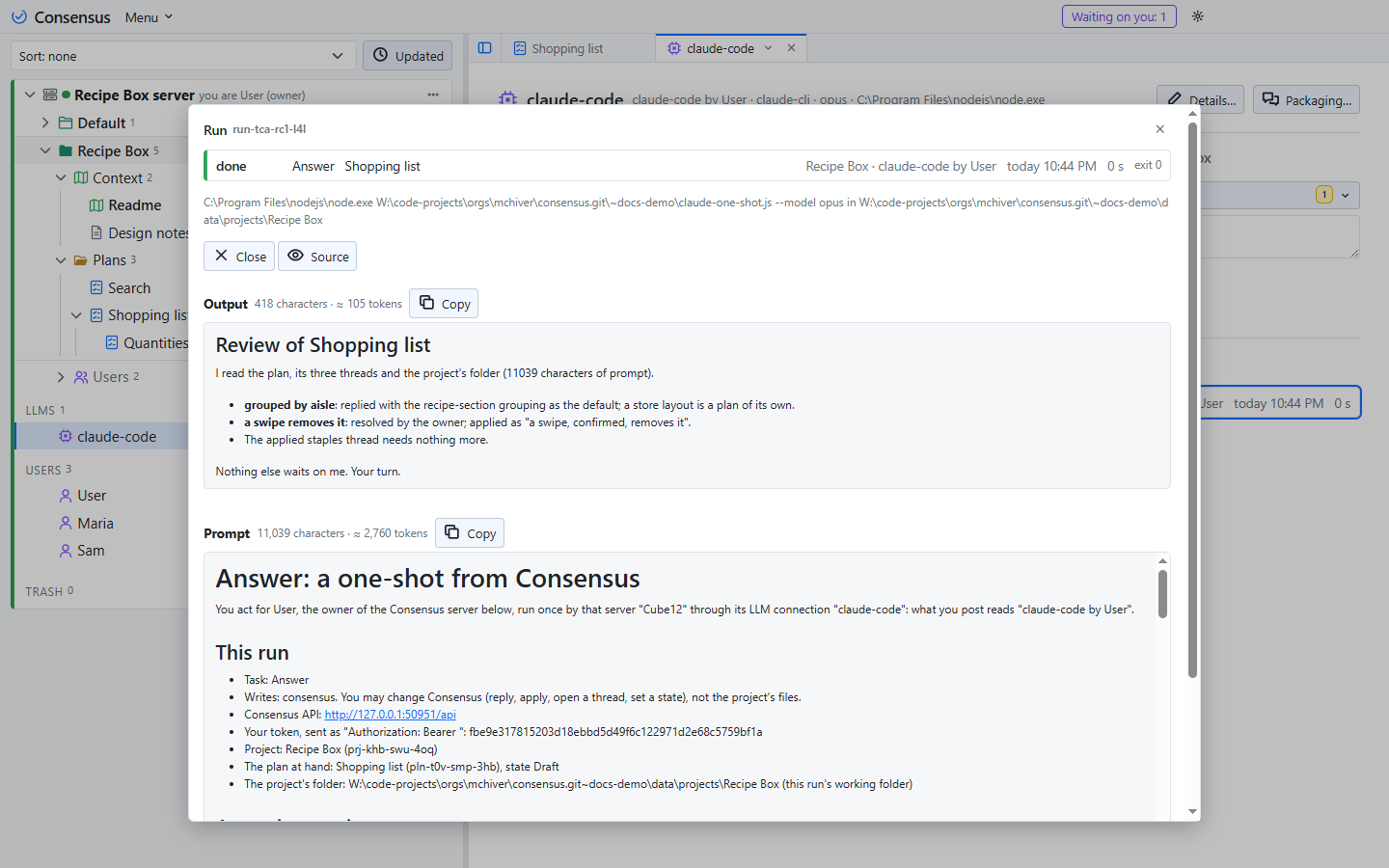
A claude-cli run hands the package to the command on its standard input; the model works through the API itself, as you through the connection. An ollama run keeps the model's tools in the server: the server carries out each call the model makes (over the project's folder, and over itself as you through the connection) and sends the result back, round by round, until the model answers. The token never enters a local model's prompt. Nothing in Consensus ever commits, branches or pushes.